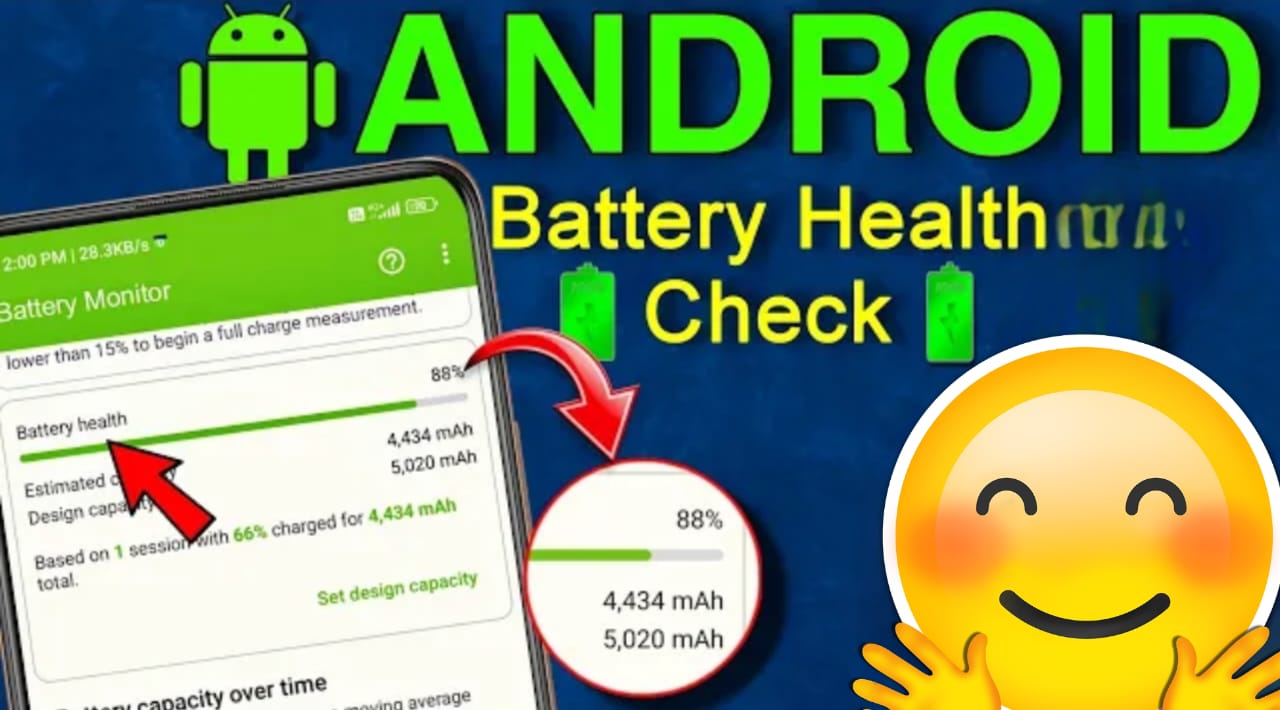
How to check your Android phone’s battery health? Learn simple steps, best methods, and tips to improve battery life in this 2026 guide.
Introduction
These days, smartphones have become an essential part of our daily lives. Whether it’s online work, social media, gaming, or earning money—battery health impacts everything. If your Android phone discharges quickly, charges slowly, or generates excessive heat, understand that its battery health is deteriorating.
In this complete 2026 guide, we’ll learn:
- How to check your Android phone’s battery health
- Which methods are safe and accurate
- How to improve battery life
This guide is easy enough even for beginners.
What is battery health?
Battery health refers to how much of its original capacity your battery still holds. When the phone is new, the battery is at 100% health. This health decreases over time as charging cycles are completed.
Common signs of low battery health:
- Phone quickly drops from 100% to 20%
- Charging slow
- Phone overheating
- Battery percentage jumps
Best Ways to Check Android Phone Battery Health (2026)
Method 1: Check Battery Status from Phone Settings
Some Android phones have built-in battery information.
Steps:
- Open Settings
- Go to Battery or Device Care
- Check the Battery Usage / Health option
📌 Note: This option is not available on every phone.
Method 2: Check Battery Health by Dial Code (Secret Code)
Some Android models have a hidden test menu.
Steps:
- Open the phone dialer
- Type this code:
- ##4636##
Tap the Battery Information option
⚠️ This code does not work with every brand.
Method 3: Battery Health Check with a Third-Party App (Recommended)
The most accurate way to check battery health in 2026 is to use trusted apps.
Best Battery Health Apps:
- AccuBattery
- CPU-Z
- Device Info HW
How to use AccuBattery:
- Install AccuBattery from the Play Store
- Open the app and allow permissions
- Charge/discharge your phone normally for 1–2 days
- The app will show you the battery health percentage
✔ Safe
✔ Accurate
What should be the battery health for a phone to remain healthy?
- 90% – 100% → Excellent
- 80% – 89% → Good
- 70% – 79% → Average
- Below 70% → Battery replacement is recommended
If battery health drops below 70%, phone performance is clearly affected.
When should a battery replacement be considered?
If:
- The phone only provides 3–4 hours of battery life
- Battery health is below 65%
- The phone suddenly shuts down.
Common Battery Health Myths (2026)
❌ It’s important to completely drain the battery
❌ Every app damages the battery
❌ It’s important to turn the phone off and charge it
✔ These are all myths. With smart usage, the battery can easily last 2–3 years.
Conclusion
Checking the battery health of an Android phone has become very easy in 2026. Monitoring battery health regularly and maintaining proper charging habits can significantly extend your phone’s life.
If you want to improve your phone’s performance, don’t ignore battery health.